Download CloudStream APK 4.7.0 for Android
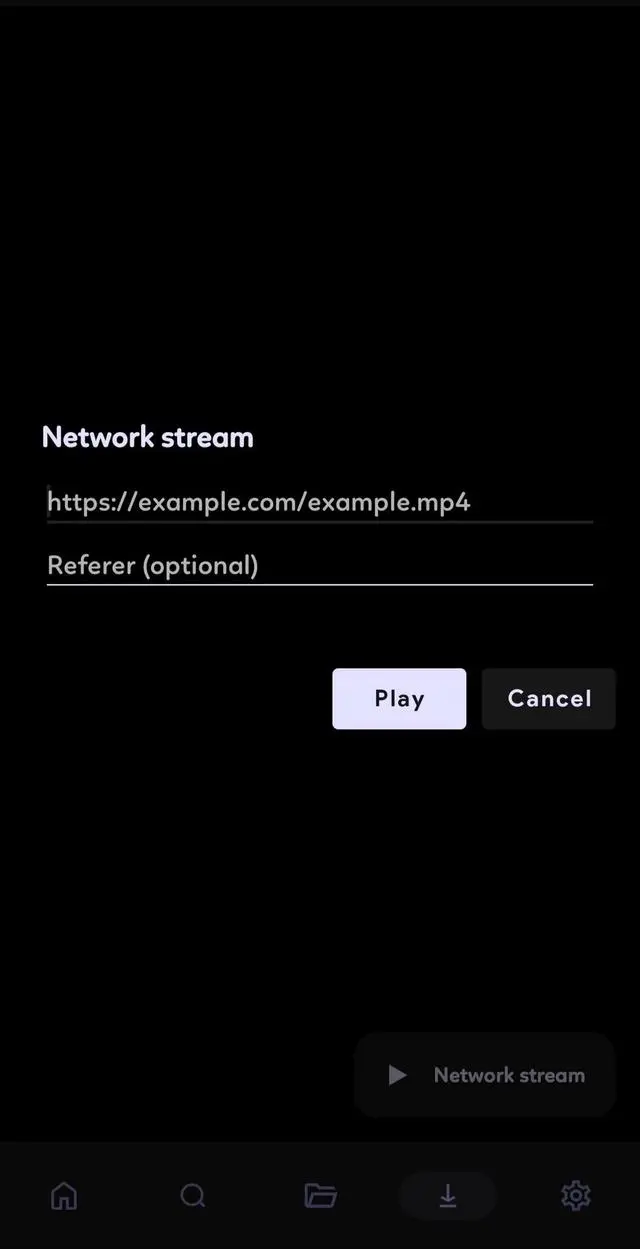
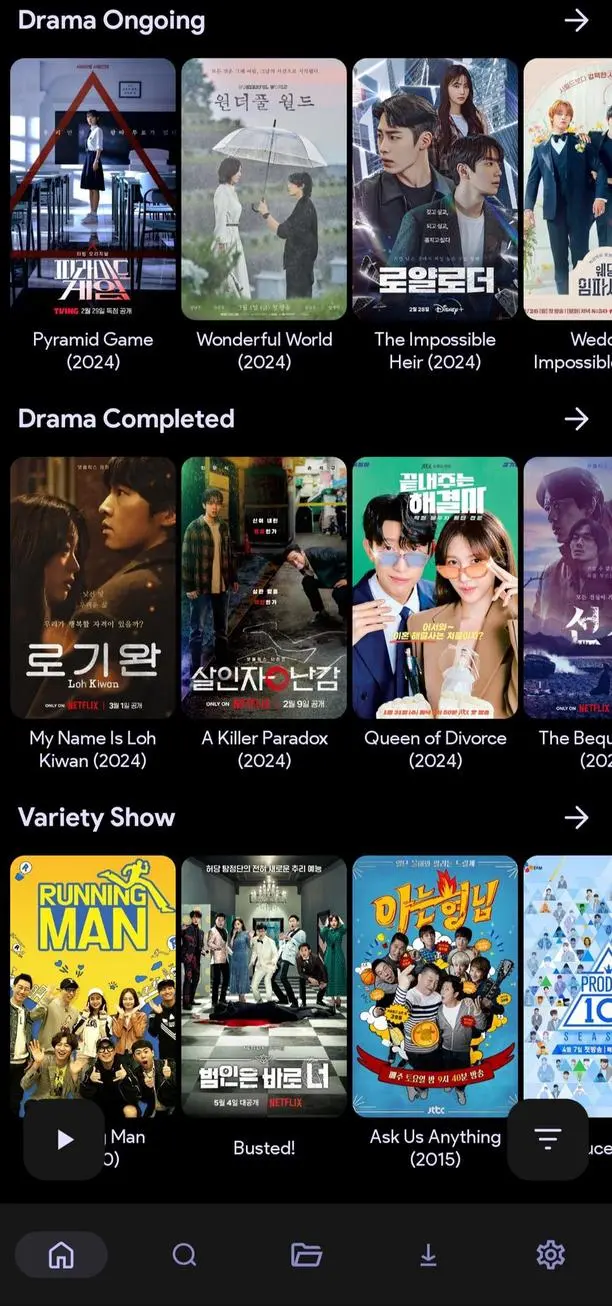
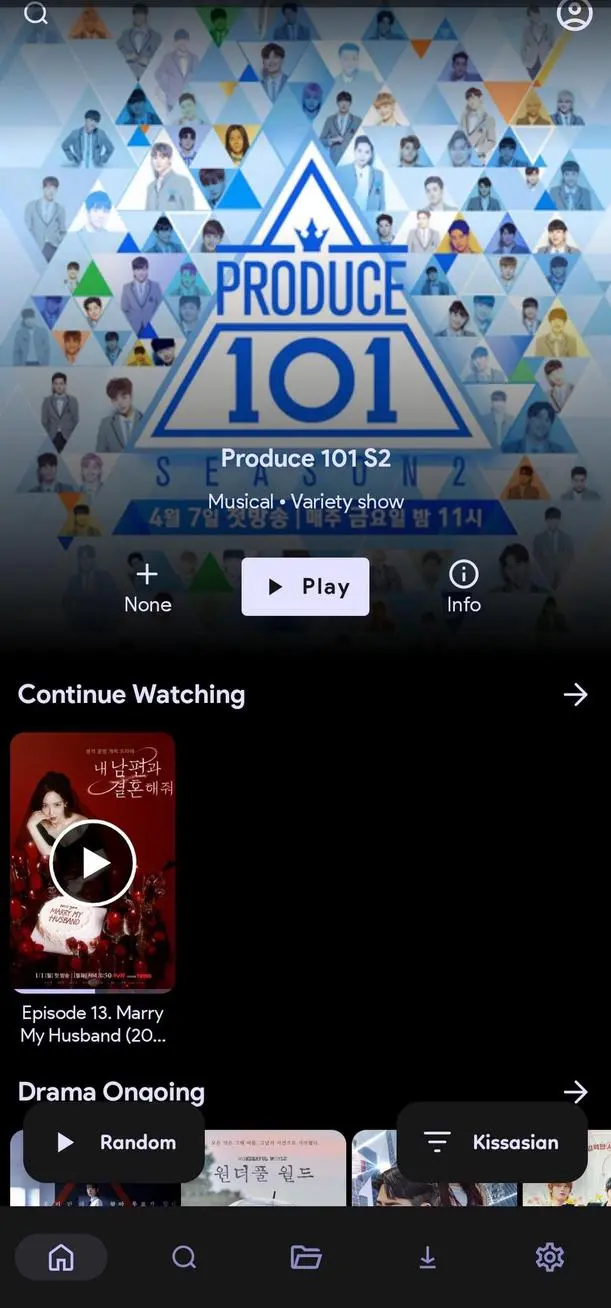
CloudStream APK is an open-source media streaming application designed for Android users who want more control over how they discover, organize, stream, and download digital content. Unlike traditional streaming platforms that rely on a fixed content catalog, CloudStream uses an extension-based system that allows users to customize their experience by adding different media sources. Its clean interface, ad-free environment, bookmarking options, and support for external playback make it an interesting choice for people who prefer a flexible media center. Whether you enjoy watching videos on your phone or want to organize your entertainment experience on a larger screen, CloudStream offers several useful tools worth exploring.
What Makes CloudStream APK Different From Other Streaming Apps?
The first thing you notice when opening CloudStream is its straightforward approach. Instead of presenting users with a large collection of built-in movies and shows, the application works as a media player that connects to separately installed extensions. This design gives users more freedom to decide which sources they want to use.
It also means that CloudStream is not a traditional streaming subscription service. You do not need to create an account simply to explore the application, and the core project does not include advertisements or built-in tracking analytics. The experience focuses on providing playback tools and a customizable environment rather than encouraging users to spend time navigating promotional content.
However, there is one important detail for beginners. CloudStream does not include video sources by default. You need to install compatible extensions before searching for content. The availability and reliability of results depend on the extensions you choose and the services they connect to. Always use sources that are legally authorized to distribute the content you access.
Exploring the Main Features of CloudStream
1. Extension-Based Media Library
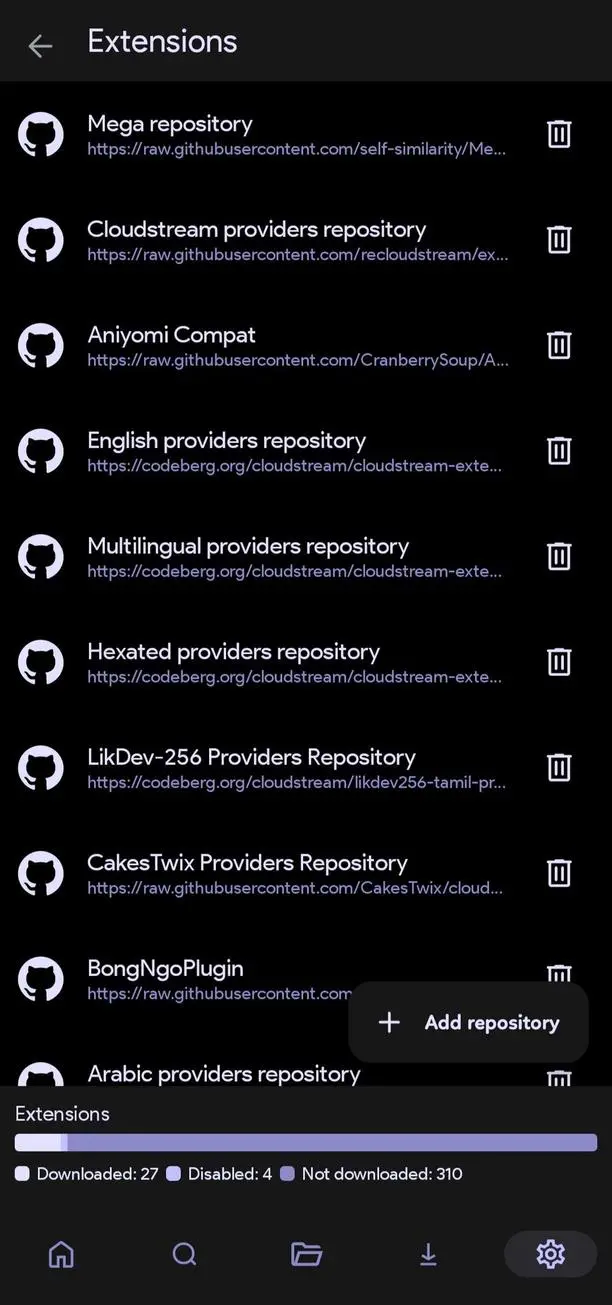
The extension system is the foundation of CloudStream. Instead of depending on a single content provider, users can add repositories and install extensions that introduce additional media sources and functionality.
This approach makes the application adaptable to different preferences. Someone interested in online videos might choose different extensions from someone who primarily uses audiobooks or publicly available live streams. You can also manage installed extensions and remove those that are no longer useful.
For new users, the system may take a little time to understand. Once you become familiar with repositories and extensions, however, managing your preferred sources becomes much easier.
2. Ad-Free Viewing Experience
One of the most noticeable characteristics of CloudStream is its advertisement-free interface. The official project describes the application as having no advertisements and no tracking or analytics.
This creates a cleaner environment when browsing menus, opening settings, and managing your media library. You do not have to deal with advertising banners interrupting the application’s interface, allowing more attention to remain on the actual content and playback experience.
3. Streaming and Download Support
CloudStream supports streaming and downloading through compatible extensions. Streaming is useful when you want to watch something immediately without saving a large file to your device. Download functionality can be more convenient when you want to keep supported content available for later viewing.
Download availability depends on the extension and its connected source. Not every provider supports the same playback or download options, so it is worth checking the available features before choosing an extension.
4. Bookmarks for Better Organization
When exploring multiple media sources, remembering everything you want to watch can become surprisingly difficult. CloudStream includes bookmarking functionality that helps users keep track of selected content.
Rather than repeatedly searching for the same title, you can use bookmarks to make your personal media experience more organized. This is particularly useful when you are following several programs or discovering new content from different extensions.
5. Phone and Android TV Compatibility
CloudStream is designed with both mobile devices and television viewing in mind. On a smartphone, its interface provides a convenient way to browse and control playback using touch gestures. On a compatible Android TV device, the larger display makes browsing and watching content more comfortable from a distance.
The ability to use the same general media platform across different screen sizes is useful for people who switch between personal viewing and home entertainment.
6. Chromecast and External Player Support
Another useful feature is Chromecast support. When compatible devices and playback sources are available, users can send media to a larger screen instead of watching everything directly on their phone.
CloudStream also supports external media players. This gives users additional flexibility when they prefer a different playback interface or want to use tools available in another video player. Actual compatibility can depend on the installed extension, media format, and connected device.
Understanding How CloudStream Works
CloudStream follows a slightly different workflow from applications that provide everything immediately after installation. The core application acts as the central media environment, while extensions provide connections to individual content sources.
Think of it as setting up your own media center. You install the main application first, select the repositories you trust, add the extensions you need, and then use those extensions to discover compatible content.
This separation offers flexibility, but it also introduces a little more responsibility. Users need to choose repositories carefully because third-party extensions are not necessarily developed, controlled, or officially endorsed by the CloudStream project. An extension may stop working when its source changes, and some repositories may become unavailable over time.
How to Install and Set Up CloudStream APK
Step 1. Download the APK File
Start by obtaining the CloudStream APK from a trustworthy distribution source. The project’s official GitHub repository is the recommended place to check its releases and source code. Choose a stable version when you prefer a more established release rather than testing pre-release builds.
Step 2. Allow APK Installation
After downloading the file, open your Android settings and locate the option for installing unknown apps. Depending on your Android version, this permission may be listed under Security, Privacy, or Special App Access.
Allow the browser or file manager you are using to install the APK. Android may display a security confirmation before proceeding.
Step 3. Install and Open CloudStream
Locate the downloaded APK in your Downloads folder and tap it. Follow the installation instructions displayed on your screen. Once the installation finishes, open CloudStream and become familiar with its home screen and settings.
Step 4. Add an Extension Repository
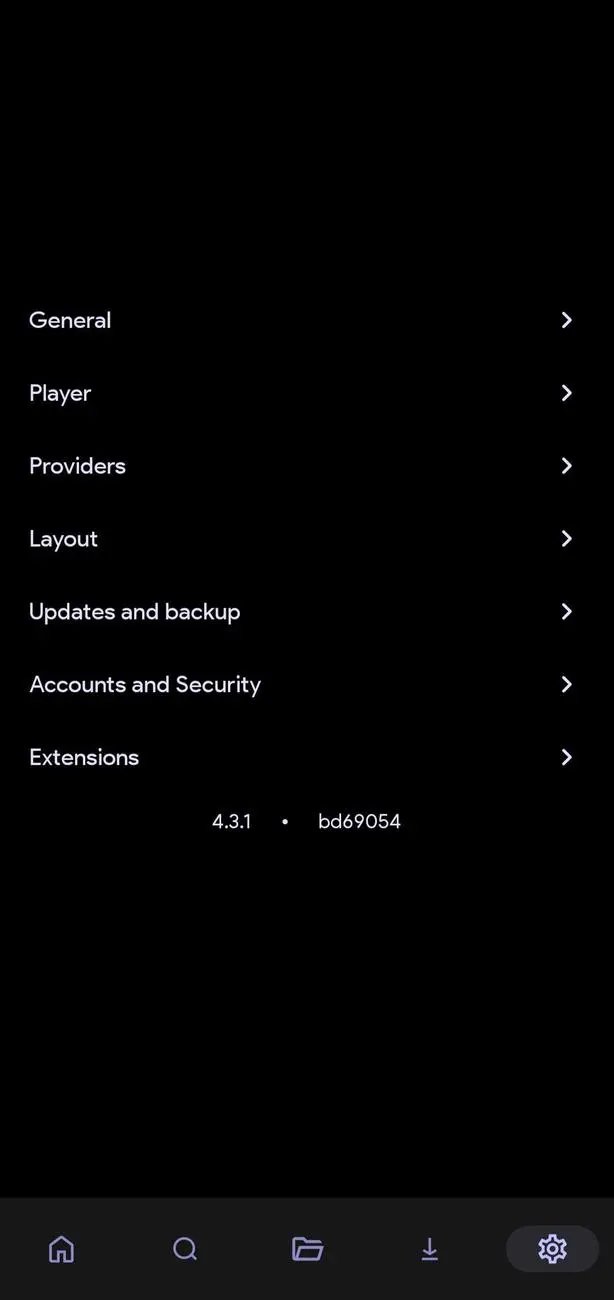
Open the Settings section and look for Extensions. Select the option to add a repository, then enter the repository address supplied by a trusted extension maintainer. Some supported versions may also allow repository shortcodes.
After adding a repository, open it to browse the available extensions. Install only the extensions you recognize and trust. Avoid repositories that promise unauthorized access to copyrighted material or request unnecessary permissions.
Step 5. Select an Extension and Explore
Return to the home screen after installing your extensions. Depending on the application version, you may need to select an extension category or provider before browsing its available content.
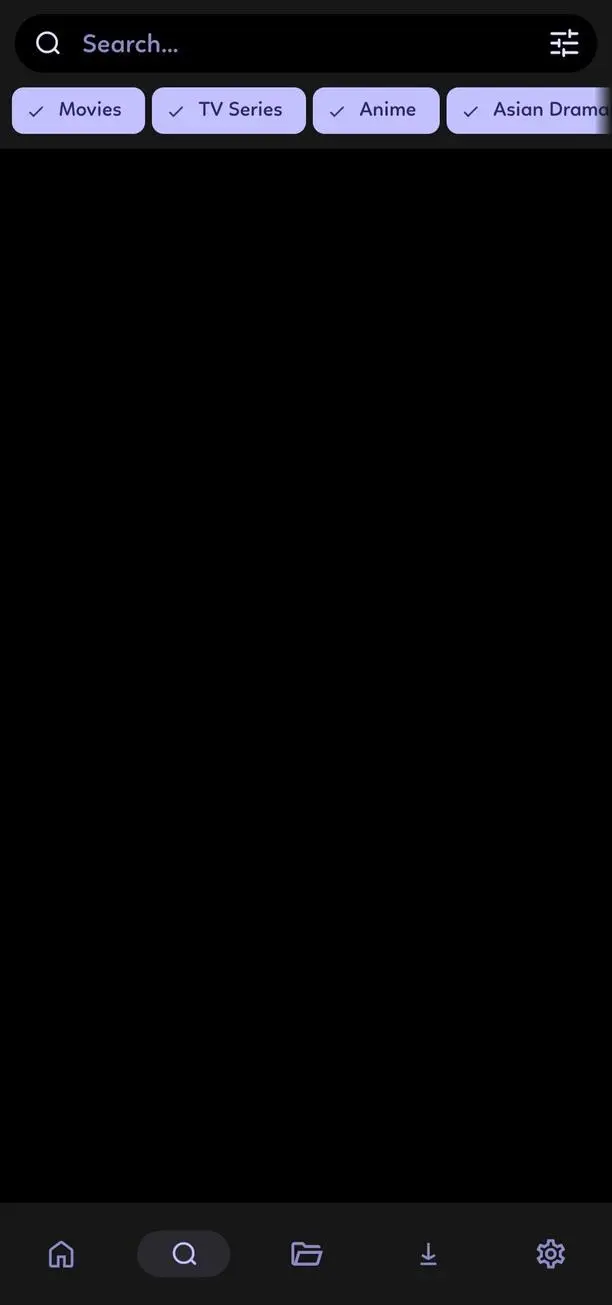
Try a few searches to understand how results are displayed. If a source does not respond, check whether the extension is enabled and updated before assuming there is a problem with the main application.
Tips for Getting a Better CloudStream Experience
Although CloudStream is relatively simple once configured, a few small habits can make everyday use more convenient.
Choose Extensions Carefully
Installing every available extension is rarely necessary. A smaller collection of reliable, relevant extensions makes the interface easier to manage and reduces confusion when searching for content. Check the maintainer and repository information before adding anything unfamiliar.
Keep the Application Updated
Updates can introduce interface improvements, playback fixes, compatibility changes, and security enhancements. Check the official release information periodically and avoid downloading APK updates from suspicious websites.
Use a Stable Internet Connection
Streaming quality depends on several factors, including your internet connection, the source server, and the selected video quality. If playback constantly buffers, try a lower resolution or check whether the same source works properly in another compatible player.
Manage Storage When Downloading
Downloaded media can consume considerable storage space, especially when using higher video resolutions. Keep an eye on available device storage and remove files you no longer need. Choosing a suitable download location can also make file management easier.
Advantages and Limitations of CloudStream APK
CloudStream has several characteristics that make it different from conventional entertainment applications. Its open-source development model, extension support, lack of built-in advertisements, and bookmarking functionality provide a flexible foundation for personal media management.
However, it is not necessarily the right choice for everyone. Beginners may find the initial repository setup confusing, and the application does not provide a ready-made catalog immediately after installation. The quality of the overall experience depends heavily on third-party extensions, which can change or become unavailable without warning.
Another consideration is content availability. CloudStream itself does not guarantee access to every movie, television program, or online video. Users are responsible for selecting lawful sources and respecting copyright restrictions in their region.
Understanding these limitations before installing the application helps set realistic expectations. CloudStream is best approached as a customizable media center rather than a replacement for every subscription-based streaming platform.
Frequently Asked Questions
›
Yes. CloudStream is an open-source application distributed under the GPL-3.0 license. The core application is free to use and does not include built-in advertisements. Individual third-party services may have their own terms and requirements.
›
This is normal because CloudStream does not provide video sources by default. You need to add a compatible extension repository and install extensions before browsing content from supported providers.
›
CloudStream supports downloading through compatible extensions. Offline viewing depends on whether the selected source allows downloads and whether the downloaded file is accessible through the application or another compatible media player.
›
Yes. CloudStream supports Android TV usage, allowing users to explore compatible media sources on a larger screen. The experience may vary depending on the device, application build, remote control, and installed extensions.
›
First, check your internet connection and confirm that the extension is still enabled. You can also check for extension updates or visit its maintainer’s official repository for information about service changes. If the source is no longer maintained, consider removing it and choosing another trustworthy alternative.
›
The safest approach is to obtain the original application from the official CloudStream GitHub repository and verify that the release comes from the project maintainers. Be careful with modified APKs and unknown repositories because third-party files and extensions may introduce security or privacy risks.
Final Thoughts on CloudStream APK
CloudStream APK offers a different approach to Android entertainment by combining a lightweight media environment with a customizable extension system. Its ad-free interface, bookmarking tools, streaming and downloading capabilities, Chromecast support, and compatibility with phones and televisions provide plenty of flexibility for users who enjoy managing their own media experience.
Its biggest strength is also something new users should understand before getting started. CloudStream requires separate extensions to access media sources, so the initial setup takes more effort than using a conventional streaming application. Once configured with trustworthy and legally authorized sources, however, it can become a convenient addition to your Android media collection.
If you are looking for an open-source media player with customization options and more control over your viewing environment, CloudStream is worth exploring. Download a trusted APK release, configure your preferred extensions carefully, and enjoy a more flexible way to manage your digital entertainment.